
Copy a link
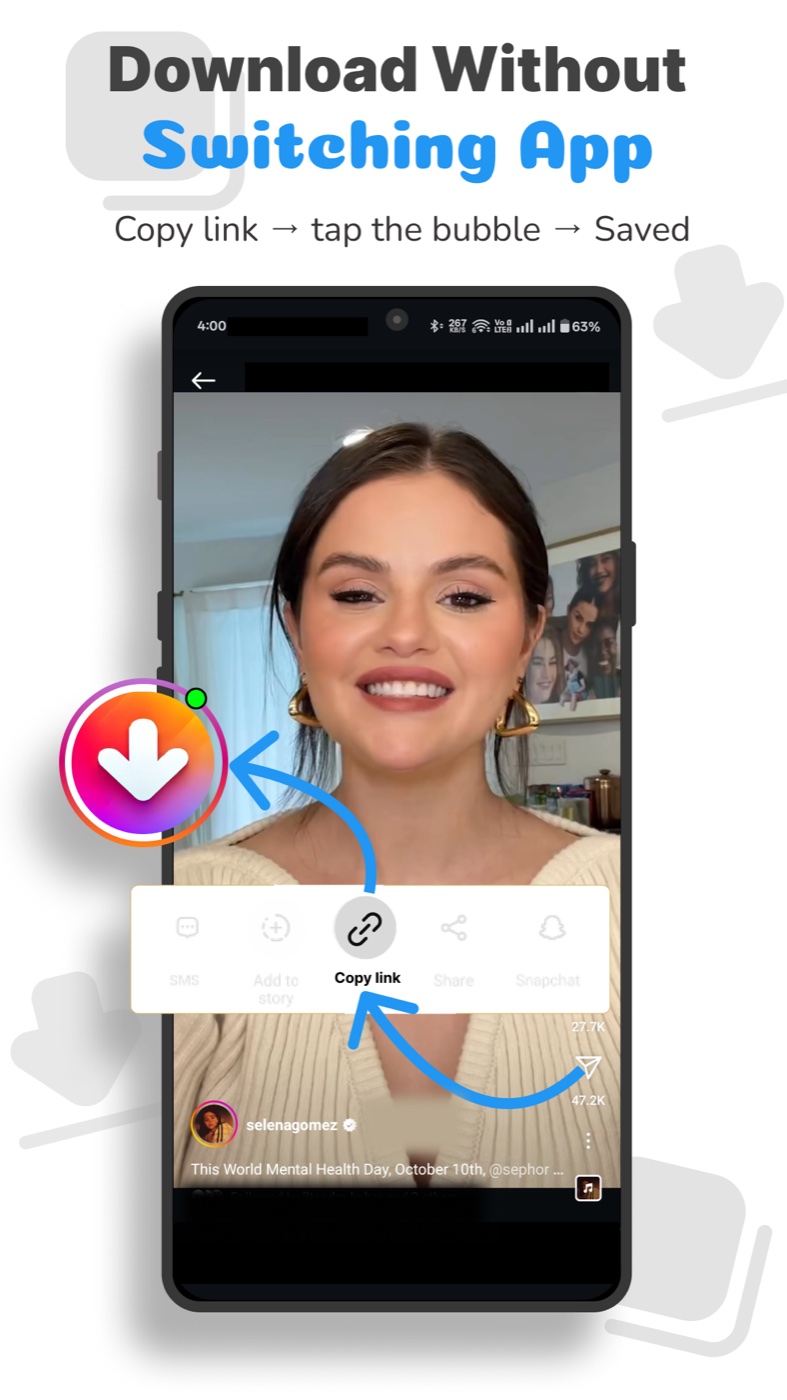
Choose a supported post you have permission to save and copy its link.
No login required for public profiles
Save stories, reels, videos, and photos. Download from public profiles without logging in, and keep your favorites close.
Google Play, checked 3 October 2026. Figures may vary by region.
Instant story downloads
01 / Instant story downloads
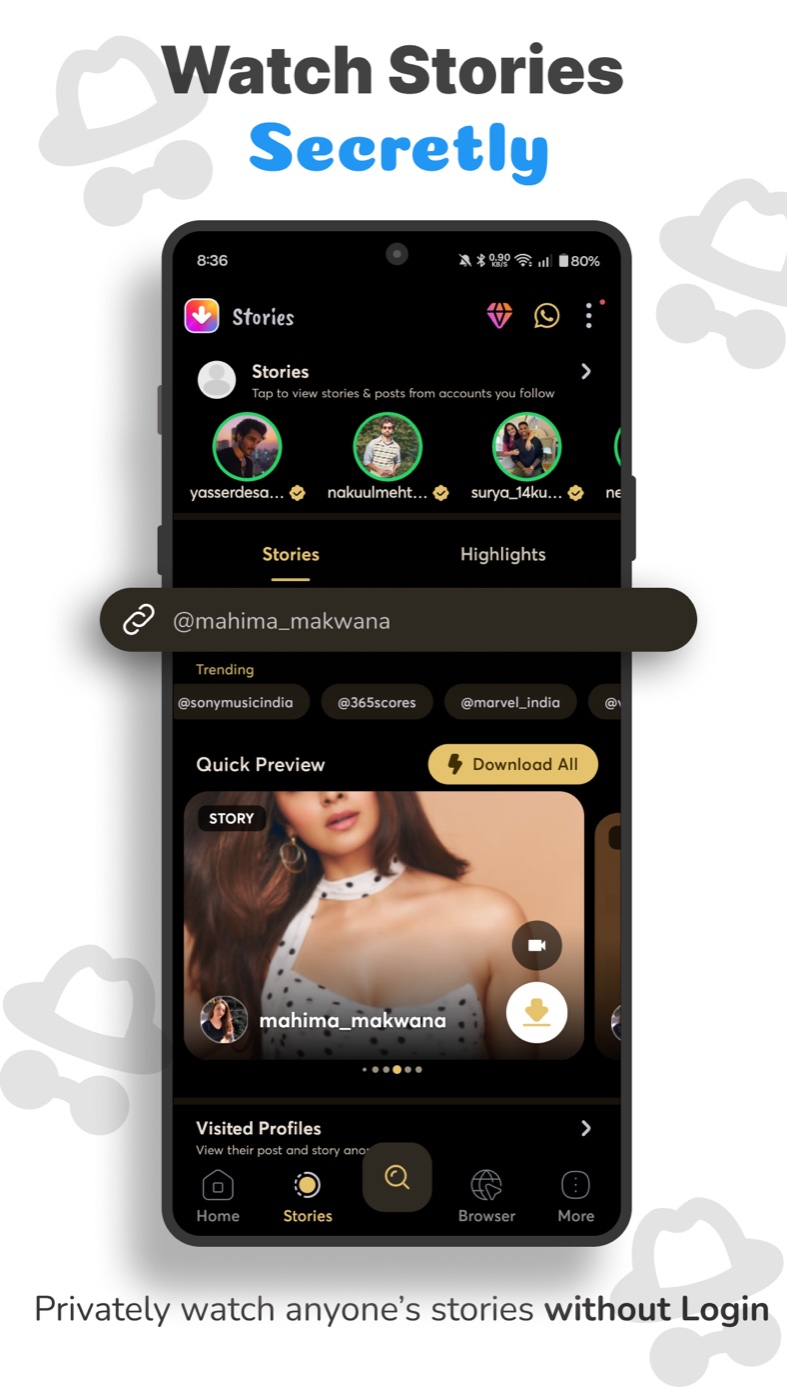
Save the stories you have permission to keep. Preview, download, and come back to them whenever you like.
02 / Skip the sign-in
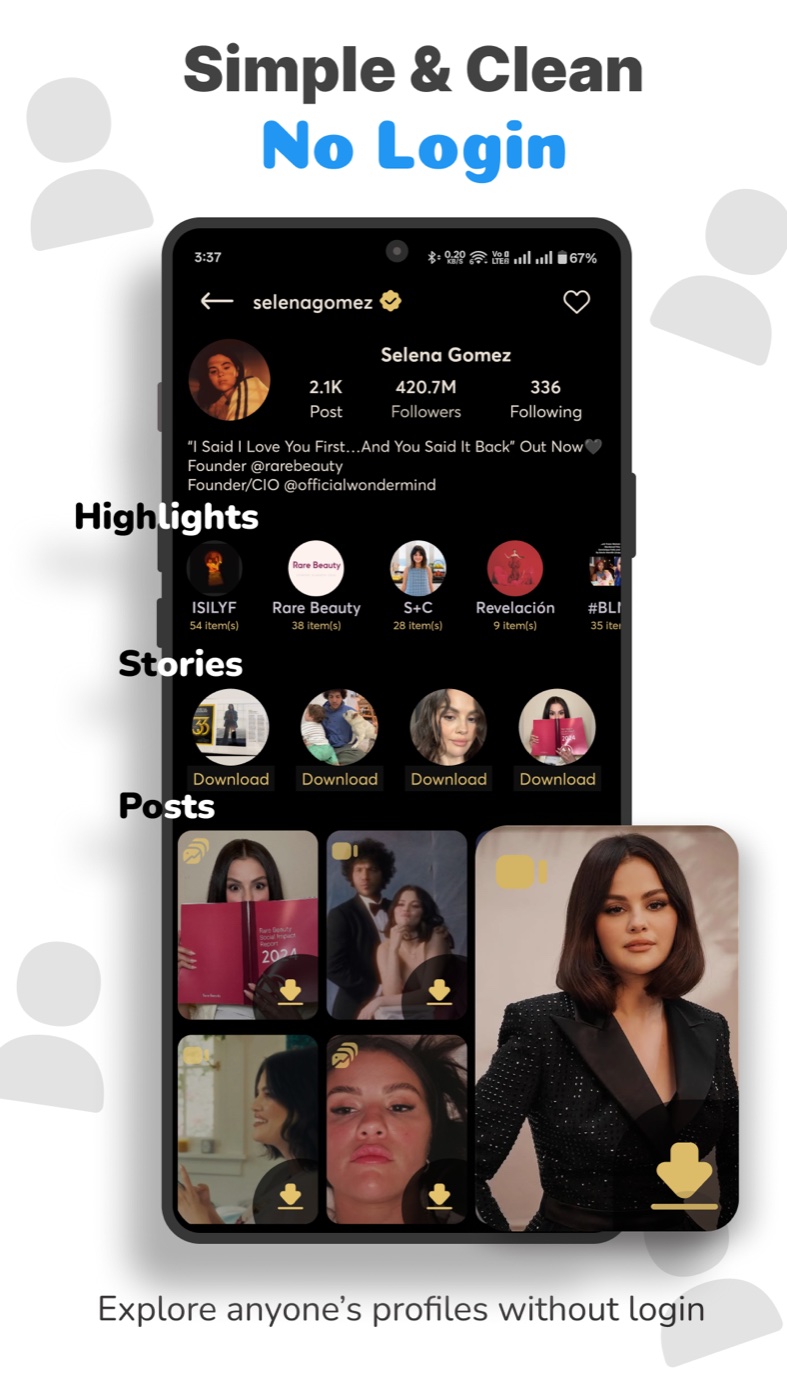
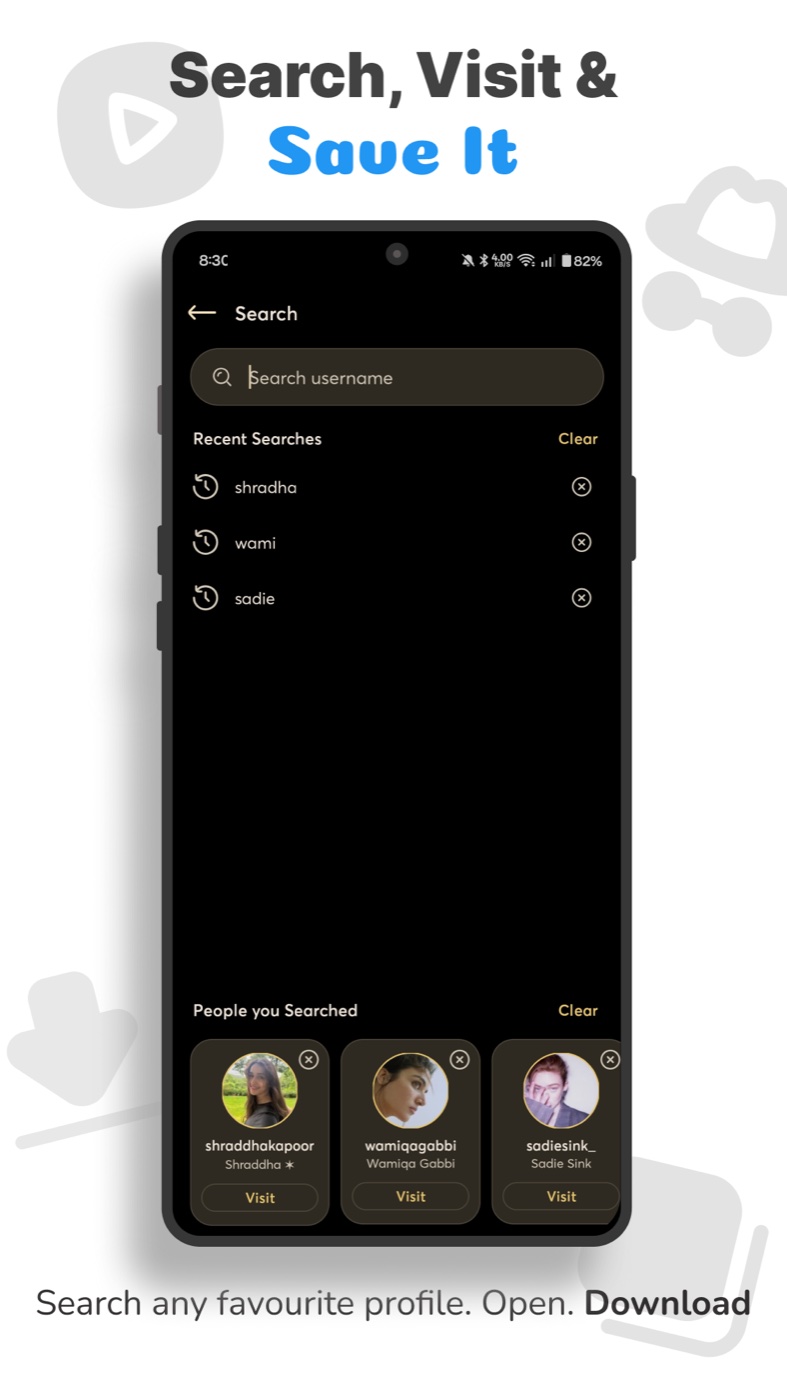
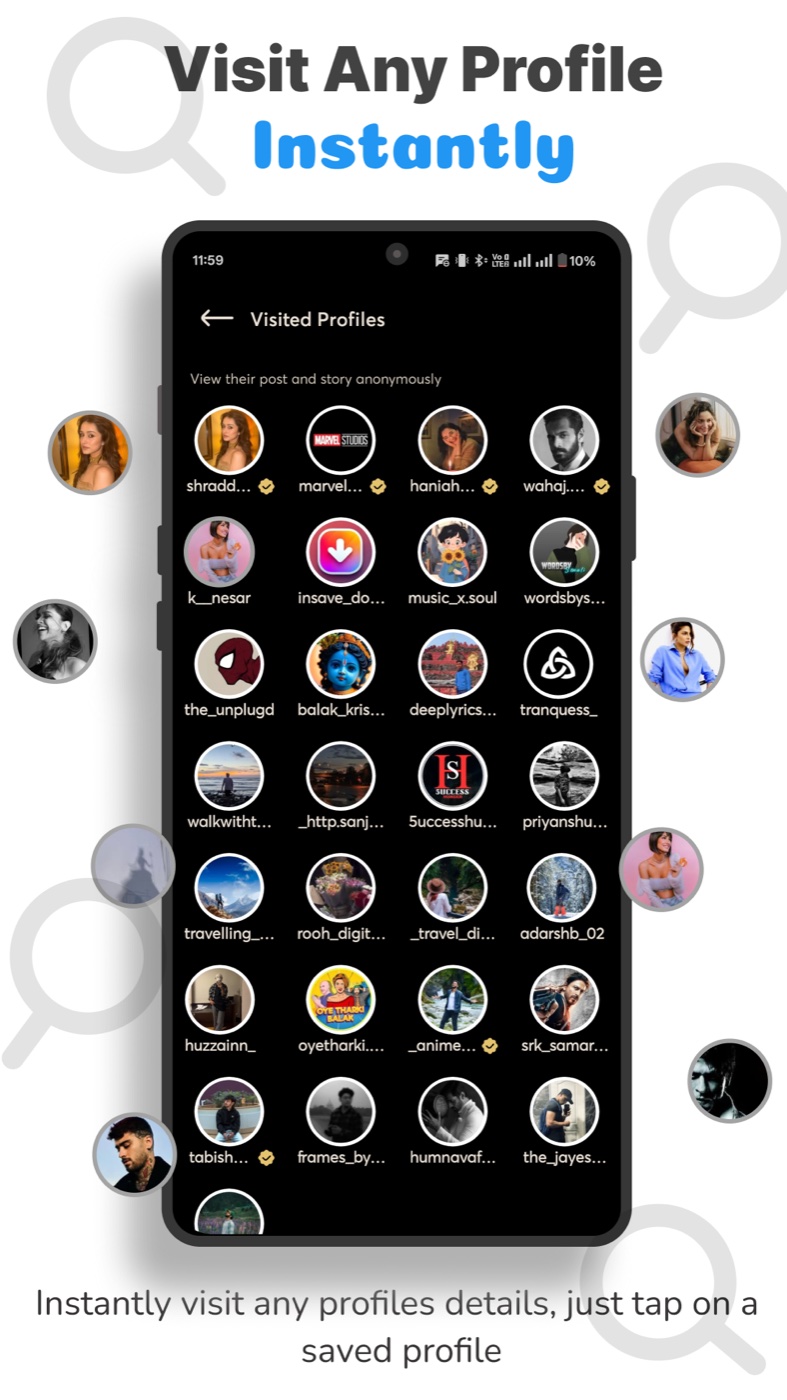
Explore public profiles and save supported public content without entering your Instagram login. Some other content and features may require sign-in.
Your login stays with you03 / More in one go
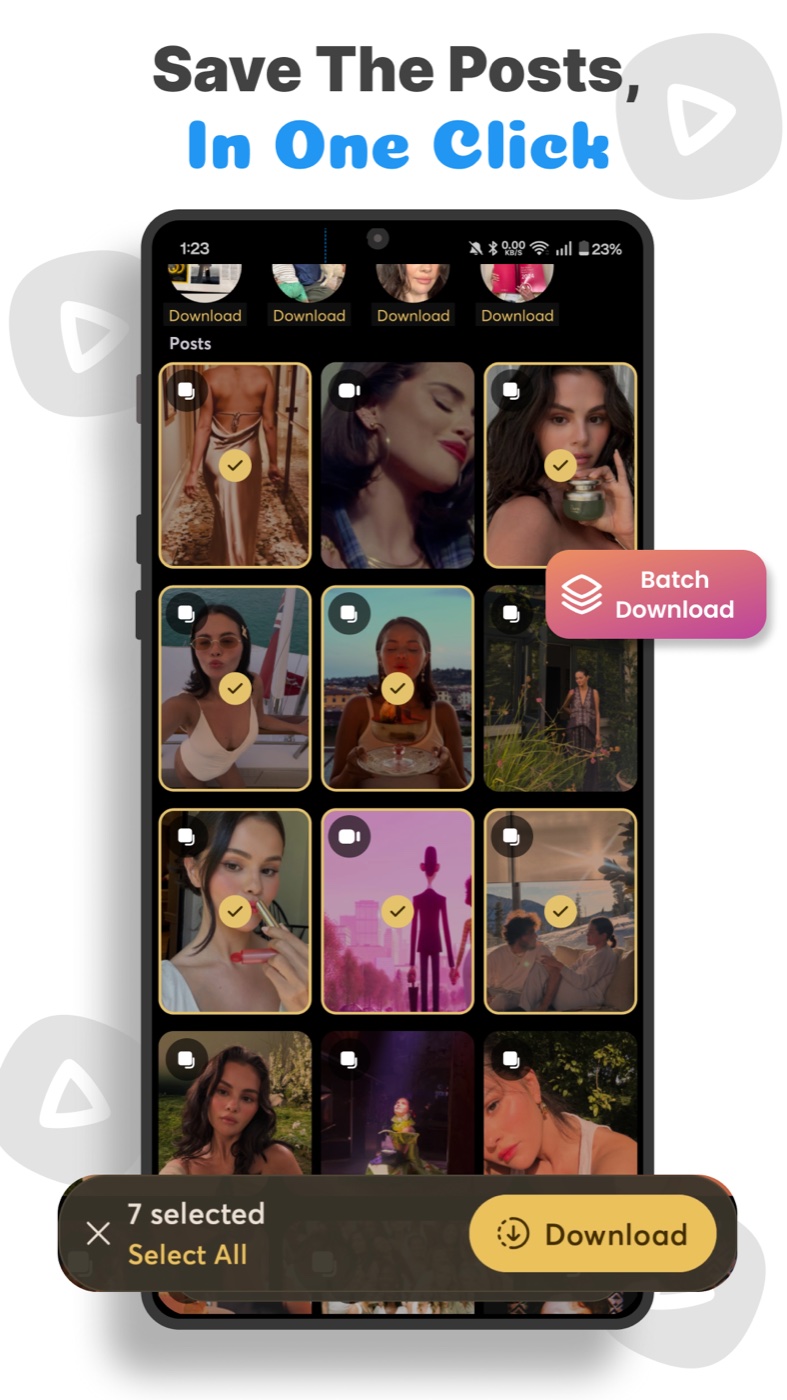
Select multiple items and keep your favorites together with batch downloading.
04 / Come back anytime
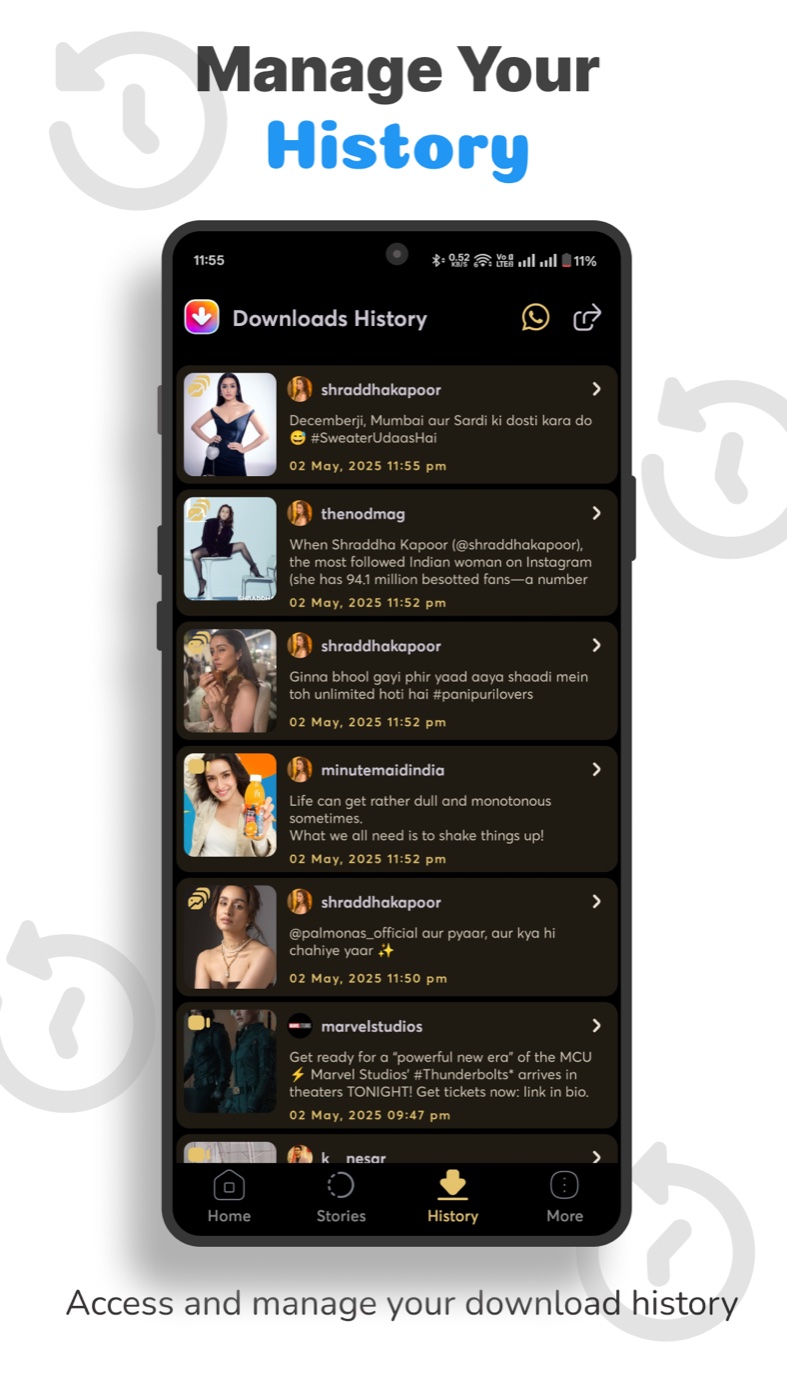
Browse your saved photos and videos from your download history, then open them in the built-in player.
From open to done
Choose a supported post you have permission to save and copy its link.
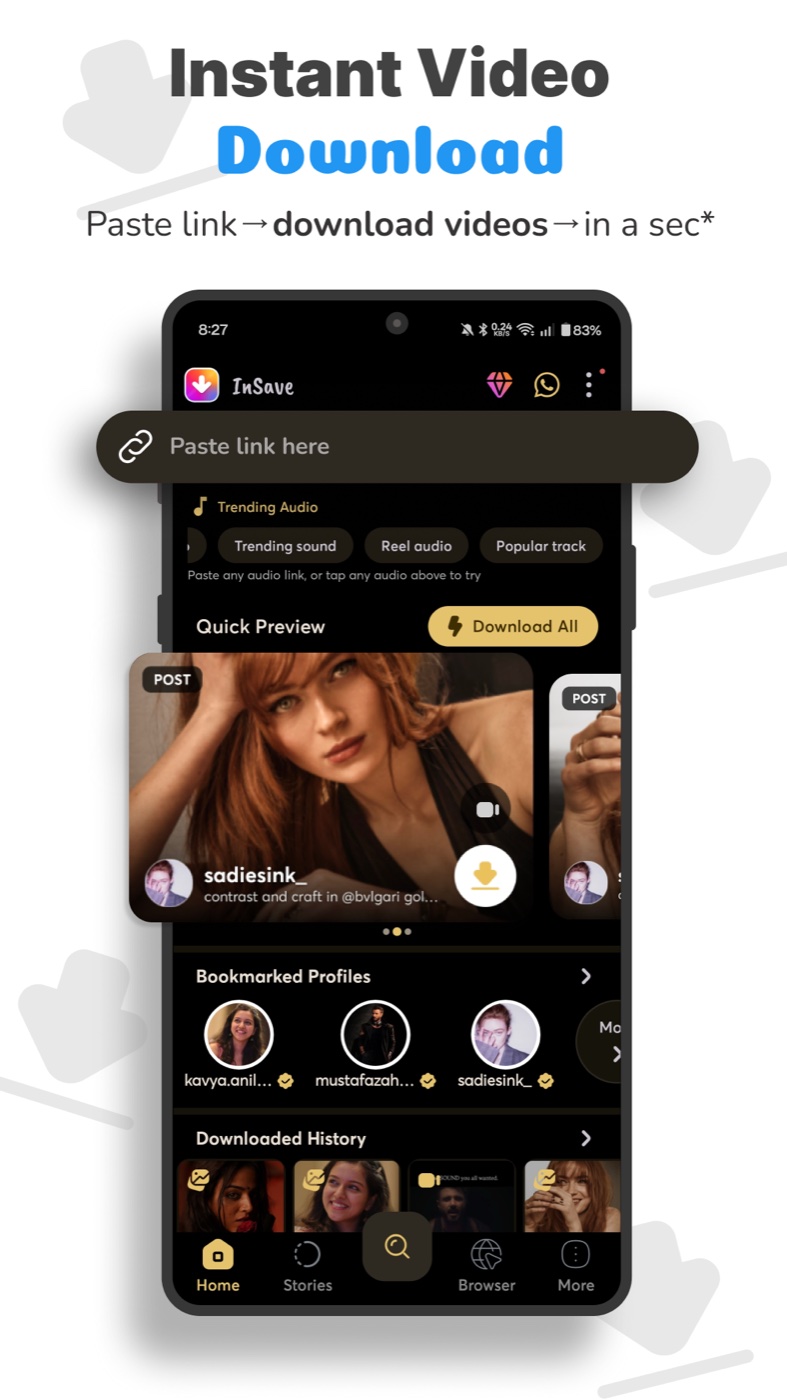
Paste the link and preview the available media.
Download your selection, then find it in your saved media.
A closer look
Copy a supported post link and open InSave to save its media.
Preview and save stories you have permission to keep, before they disappear.
Browse and save supported public content without entering your Instagram credentials.
Watch your downloaded videos without leaving the app.
Find your saved photos and videos in one place.
Save available high-quality versions of supported media.
Manage and download multiple items together.
Inside InSave
Good to know
No login is required for supported public profiles and public content. Some other content and features may require an account.
Yes. The Google Play listing declares ads and in-app purchases.
Get permission from the content owner before saving or reposting. InSave is not affiliated with Instagram.
Email apps.puslecodestudio@gmail.com with the app version, Android version, and a description of what happened.
Read the privacy information specific to InSave and the developer’s data safety declaration on Google Play.
Save and share content only with the owner’s permission. InSave is not affiliated with Instagram.